Integrated CAD/CAM/CAE Solution for the Manufacturing Industry
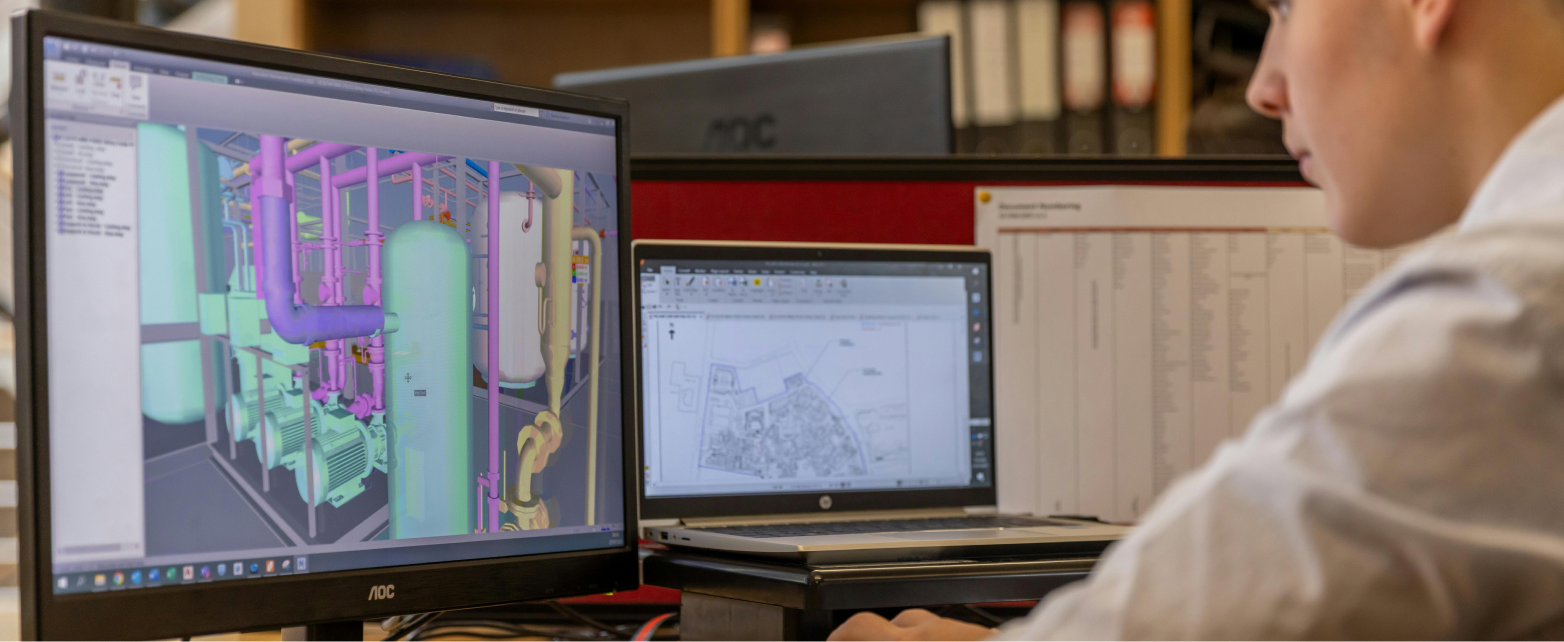
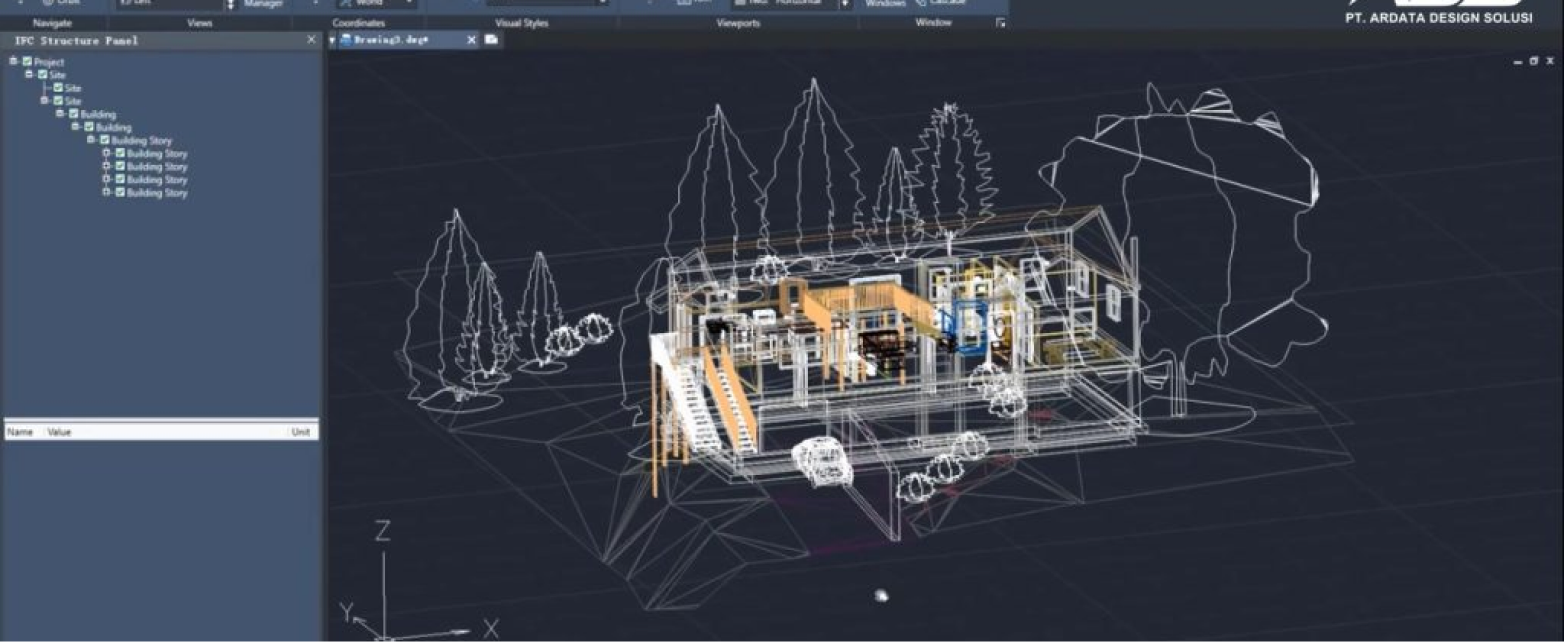
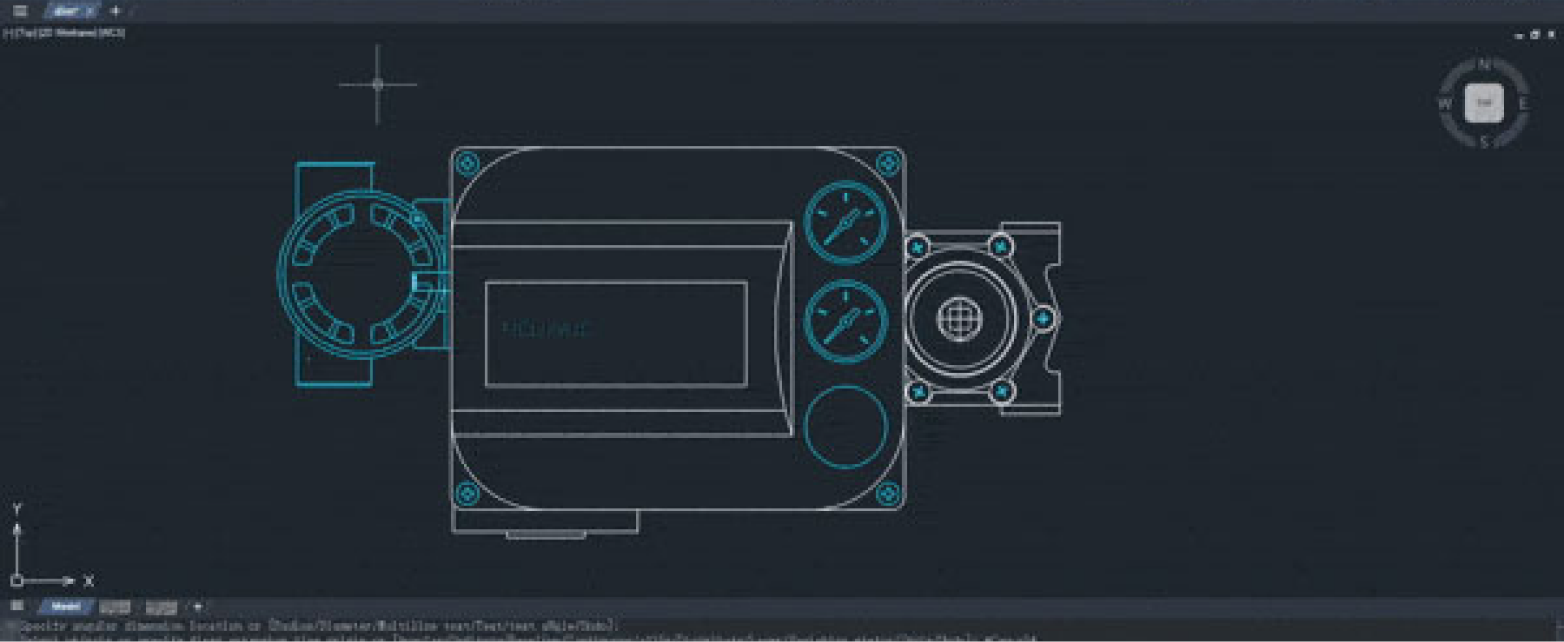
ZW3D is an all-in-one CAD/CAM/CAE software from ZWSOFT for the machinery and manufacturing industry. In a single platform, ZW3D unifies 3D design (hybrid solid-surface modeling), assembly, mold design, sheet metal, and 2- to 5-axis CNC machining programming. Powered by the Overdrive kernel and broad data interoperability (CATIA, NX, SolidWorks, Creo, STEP, IGES), ZW3D helps engineering teams accelerate the cycle from concept to production with a more efficient total cost of ownership.
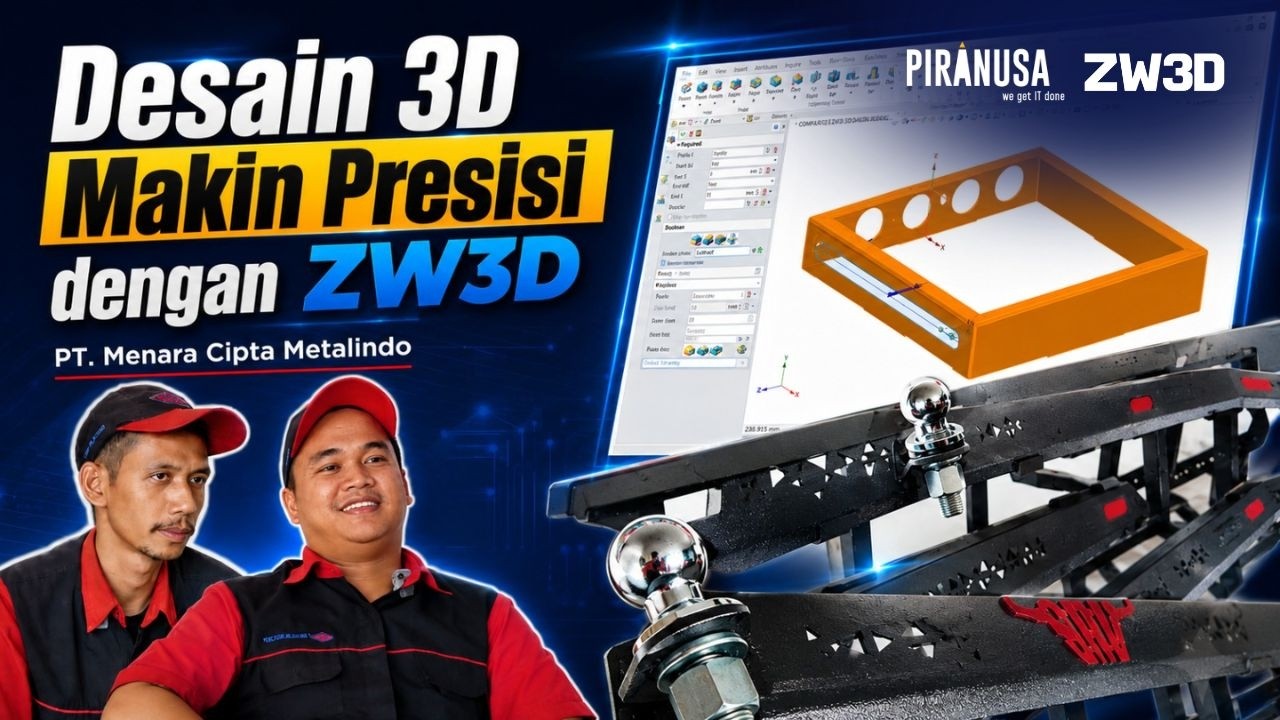
Video testimonials from real clients, not just words
“
Dibanding software sebelumnya, proses sheet metal di ZW3D lebih simpel dan tool-nya lebih lengkap, tanpa perlu komputer berspesifikasi tinggi. ZW3D mudah dipelajari, terutama bagi user yang baru terjun ke software 3D, dan tim support Piranusa mendampingi sampai kami bisa jalan sendiri.
PT Menara Cipta Metalindo
Fabrikasi Sheet Metal
“
ZW3D is lighter to run, even on a laptop with average specs, making design work more time-efficient. The price is also competitive compared to similar software. The direct edit feature is a big help, because files converted from other software can be edited right away without redoing the work.
PT TrueLogs Geo Energi
Engineering Team
“
With ZW3D, integrating data from other CAD software has become much easier; we can open and work with those files right away without worrying about compatibility. It speeds up the mold design process all the way through to production.
PT Dinamika Polimerindo
Mold Design Team
WHAT OUR CLIENTS SAY
Video testimonials from real clients, not just words
“
Dibanding software sebelumnya, proses sheet metal di ZW3D lebih simpel dan tool-nya lebih lengkap, tanpa perlu komputer berspesifikasi tinggi. ZW3D mudah dipelajari, terutama bagi user yang baru terjun ke software 3D, dan tim support Piranusa mendampingi sampai kami bisa jalan sendiri.
PT Menara Cipta Metalindo
Fabrikasi Sheet Metal
“
ZW3D is lighter to run, even on a laptop with average specs, making design work more time-efficient. The price is also competitive compared to similar software. The direct edit feature is a big help, because files converted from other software can be edited right away without redoing the work.
PT TrueLogs Geo Energi
Engineering Team
“
With ZW3D, integrating data from other CAD software has become much easier; we can open and work with those files right away without worrying about compatibility. It speeds up the mold design process all the way through to production.
ZWCAD runs on Windows 7 SP1 and above (64-bit). One license can be activated according to the terms of the license type you choose. Contact our team for details on multi-device activation.
No. Installing ZWCAD is simple and quick. The Piranusa team is ready to help with installation and license activation until the software is ready to use.

 ID
ID EN
EN