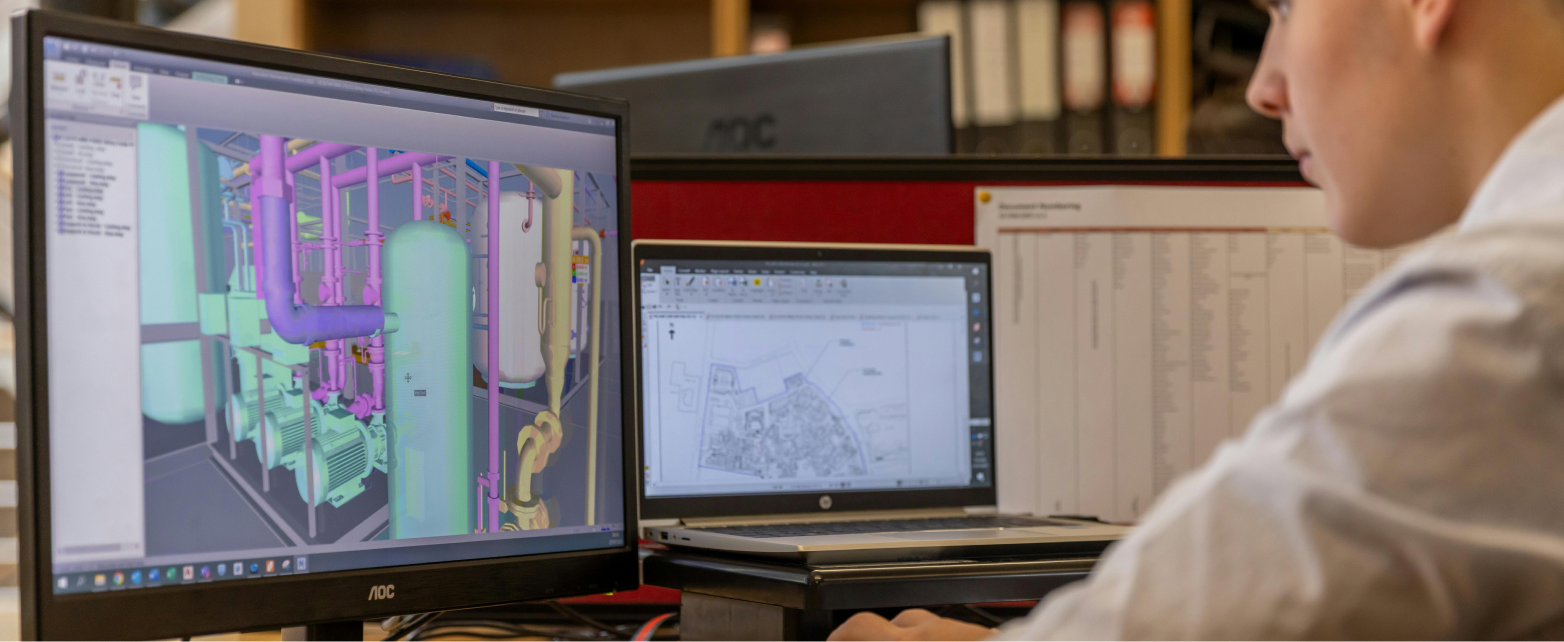
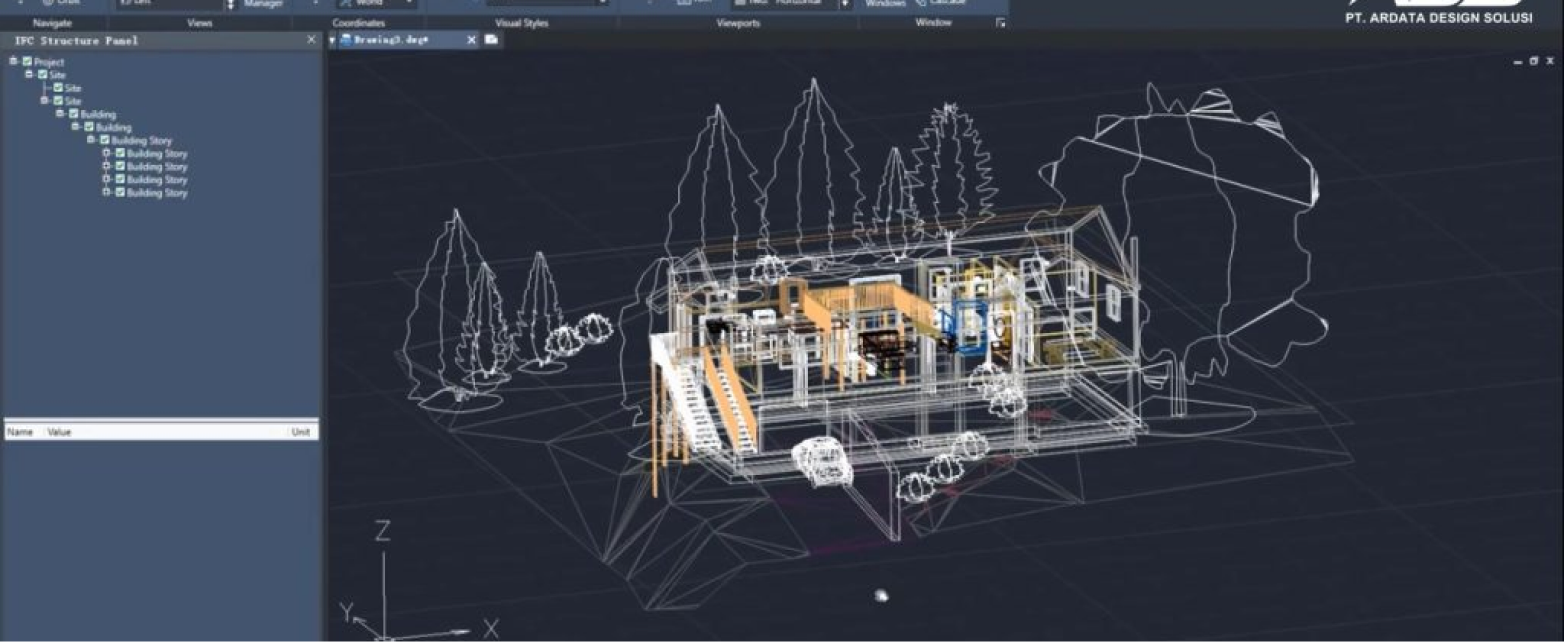
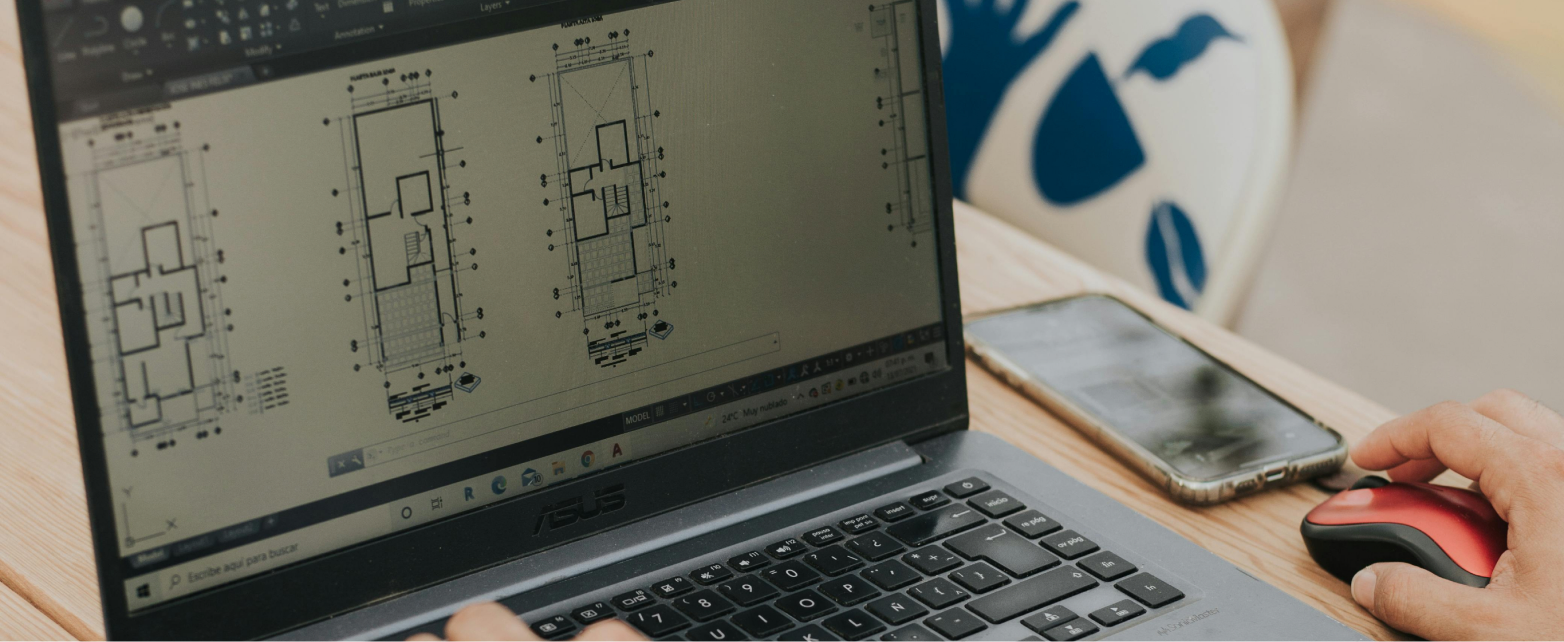
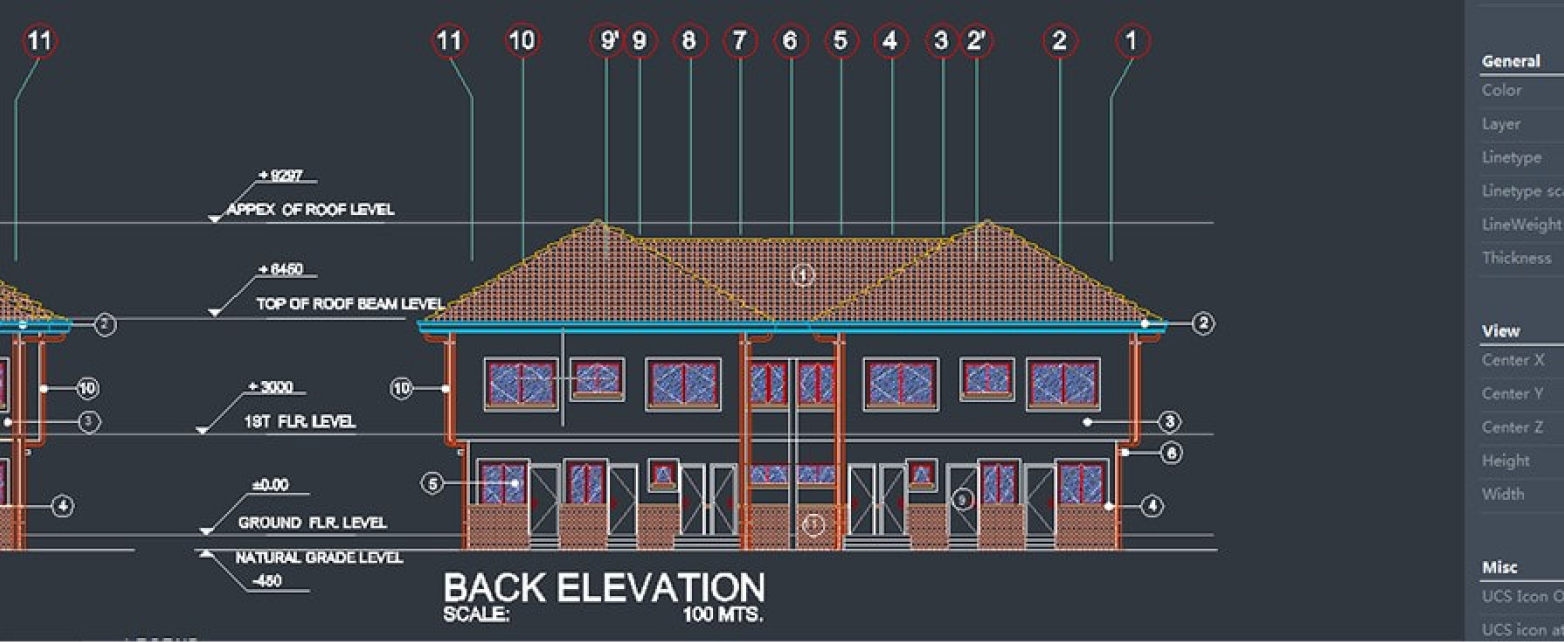
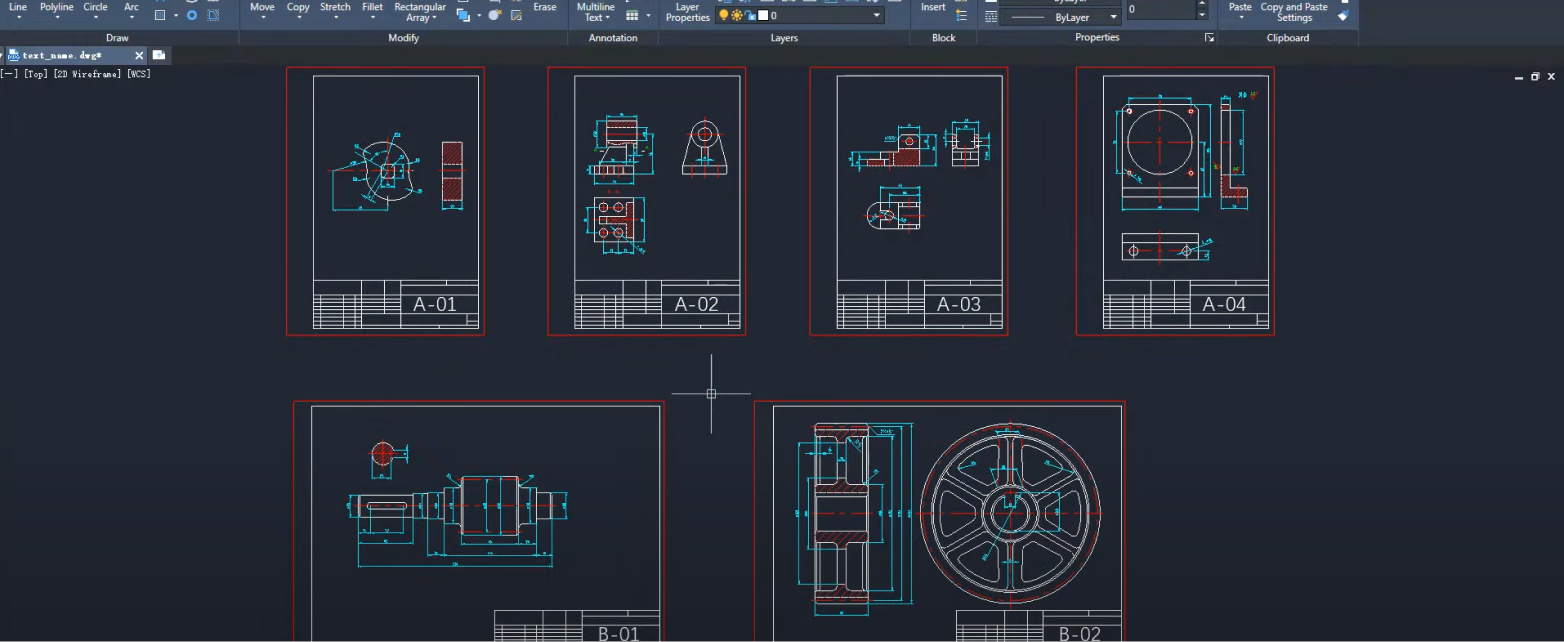
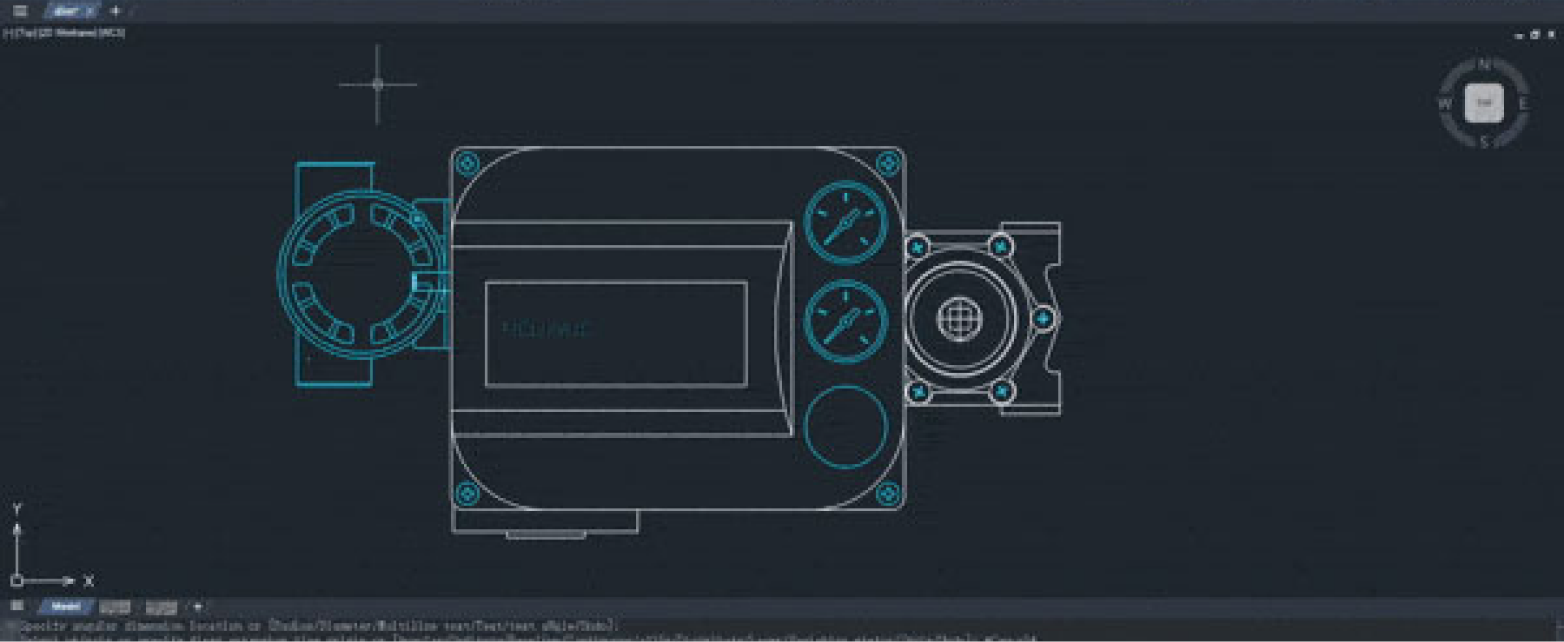
ZWCAD is Computer-Aided Design (CAD) software developed by ZWSOFT for producing precise technical drawings and digital designs, mainly 2D drafting and 3D modeling. It supports the DWG format, so it is compatible with many other CAD systems, and its interface closely resembles popular CAD software such as AutoCAD, which makes it easy for design and engineering professionals to pick up. ZWCAD is used by more than 1.4 million users in over 90 countries, and it is built to raise productivity in design work, technical documentation, and project collaboration across industries such as architecture, engineering, and manufacturing.
ZWCAD supports the DWG format natively, so files can be opened, edited, and saved with no extra conversion. That makes exchanging data with other CAD software straightforward, which matters in collaborative projects involving many parties.
A Familiar Interface
The ZWCAD interface is designed to resemble popular CAD software such as AutoCAD. Similar menu structures, commands, and shortcuts let new users adapt quickly, which cuts training time for your design team.
Fast and Lightweight Performance
ZWCAD is known for fast, efficient performance, even with large drawings. It runs well on lower computer specifications than several other CAD packages, which makes it flexible across different work environments.
High Productivity
With automation features such as Smart tools and parametric design, users finish work faster. Many manual steps can be shortened through these smart features, improving workflow efficiency on design projects.
Flexibility and Customization
ZWCAD supports APIs such as LISP, VBA, and .NET for building add-ons or automation. Companies can tailor the software to their own workflow, which makes it a good fit across many industries.
More Competitive Cost
Compared with several other CAD packages, ZWCAD offers a more affordable license cost. Its licensing model can also deliver long-term investment value, which is why it is often chosen as a more economical professional CAD alternative.
PRODUCT FEATURES
A Complete Toolset in One Software
Parametric Design
This feature lets users add geometric and dimensional constraints to design objects. With those parameters in place, size or shape changes can be made without redrawing the whole object, which speeds up design revisions and keeps projects consistent.
Smart Dimension
Smart Dimension recognizes object types automatically and produces the matching dimension right away. Users no longer need to jump between dimension commands. It speeds up annotation of technical drawings and reduces measurement errors.
Smart Match
Smart Match can detect identical objects or shapes within a drawing. Once identified, users can change several objects at once automatically, which cuts down repetitive work while editing designs.
Similar Search
This feature lets users search for similar blocks or objects in local files based on a graphic reference. Older design elements can then be reused in new projects, improving both efficiency and design consistency.
Smart Plot
Smart Plot supports batch printing and export of CAD drawings. It can recognize paper sizes automatically and apply the matching plot settings, which simplifies design output, especially on projects with many drawing sheets.
ZWCAD Toolbox
The Toolbox brings tools such as layer, dimension, and selection controls into a single panel. The panel can be customized to suit each user, and with a flexible workspace setup, drafting becomes faster and better organized.
Video testimonials from real clients, not just words
“
Seluruh penggambaran precast kami memakai ZWCAD karena ringan di komputer dan harganya kompetitif. Dengan spesifikasi komputer dan file yang sama, ZWCAD lebih ringan dan memakai memori lebih kecil. Di versi 2026, font dan dimensi dari software lain juga sudah terbaca dengan benar.
PT Beton Elemenindo Perkasa
Engineering Team
“
We needed stable, fast CAD software to handle detailed, complex working drawings on residential projects. ZWCAD has features like Smart Voice and SmartPlot that set it apart from other CAD software, and its licensing is not restrictive like what we used before.
Interlook
Architecture & Interior
“
We manage 7,500 hectares of land and need reliable CAD software for land mapping. ZWCAD’s commands and features are not much different from our previous software, so the transition was quick and trouble-free. The Piranusa team is also always quick to help whenever we need troubleshooting.
PLN Indonesia Power UBP Saguling
Land Division
WHAT OUR CLIENTS SAY
Video testimonials from real clients, not just words
“
Seluruh penggambaran precast kami memakai ZWCAD karena ringan di komputer dan harganya kompetitif. Dengan spesifikasi komputer dan file yang sama, ZWCAD lebih ringan dan memakai memori lebih kecil. Di versi 2026, font dan dimensi dari software lain juga sudah terbaca dengan benar.
PT Beton Elemenindo Perkasa
Engineering Team
“
We needed stable, fast CAD software to handle detailed, complex working drawings on residential projects. ZWCAD has features like Smart Voice and SmartPlot that set it apart from other CAD software, and its licensing is not restrictive like what we used before.
Interlook
Architecture & Interior
“
We manage 7,500 hectares of land and need reliable CAD software for land mapping. ZWCAD’s commands and features are not much different from our previous software, so the transition was quick and trouble-free. The Piranusa team is also always quick to help whenever we need troubleshooting.
ZWCAD runs on Windows 7 SP1 and above (64-bit). One license can be activated according to the terms of the license type you choose. Contact our team for details on multi-device activation.
No. Installing ZWCAD is simple and quick. The Piranusa team is ready to help with installation and license activation until the software is ready to use.

 ID
ID EN
EN